Case airflow basics: intake, exhaust and why more fans is not the answer

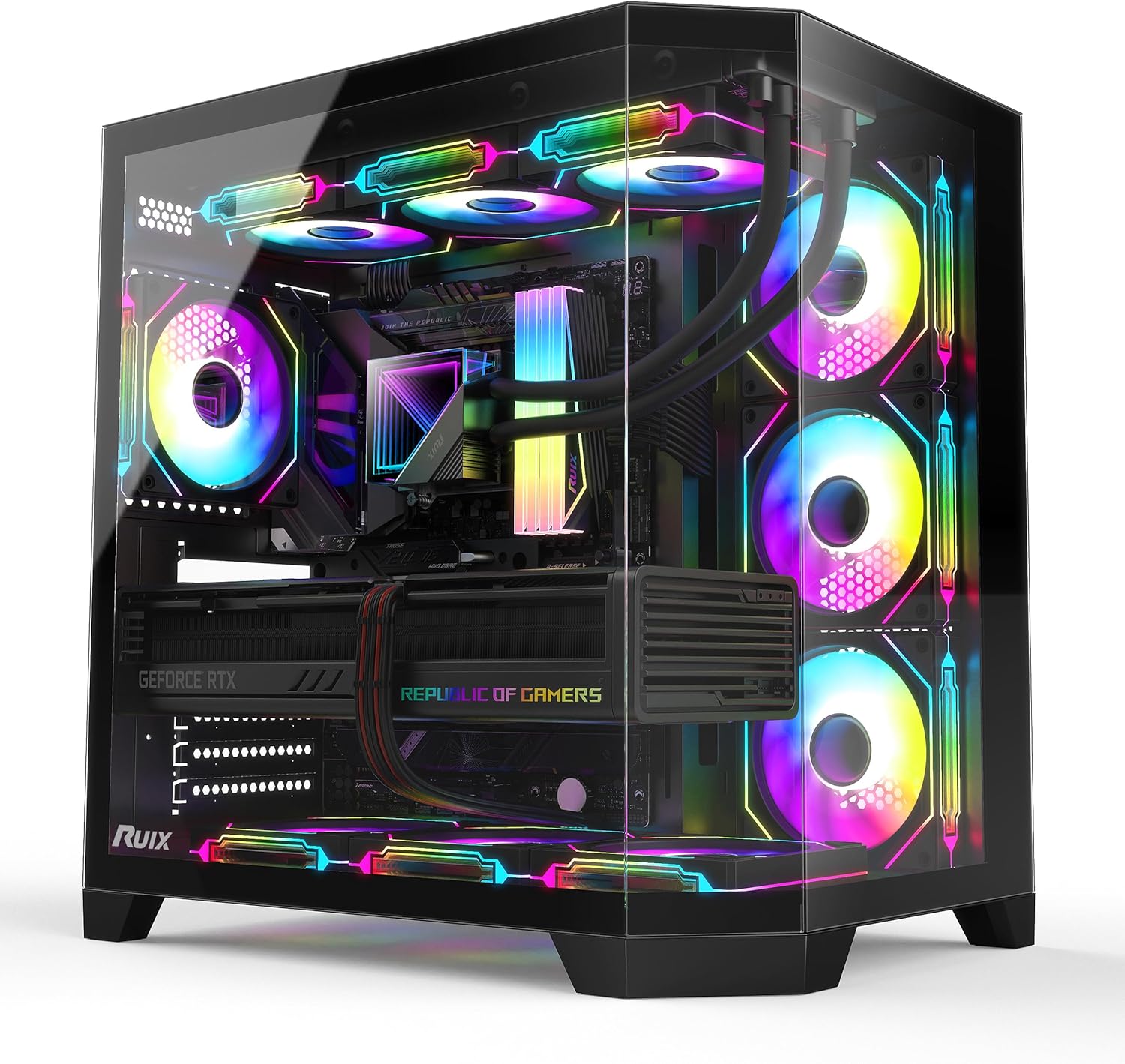
Building or upgrading a PC can be an exciting endeavour, but amidst the choices of processors, graphics cards, and memory, one crucial aspect often gets overlooked: airflow. Many enthusiasts focus solely on raw component power, inadvertently neglecting the vital role effective cooling plays in both performance and longevity. A well-designed airflow system is not just about keeping temperatures down; it ensures your high-performance components can operate at their peak without throttling or premature wear.
The common misconception is that more fans automatically equate to better cooling. While fans are indeed the primary drivers of air movement, simply cramming a case full of them without a coherent strategy can be counterproductive. True thermal efficiency comes from understanding the dynamics of intake and exhaust, pressure, and how air interacts with your specific hardware. This guide will demystify case airflow, helping you achieve optimal cooling with intelligence, not just brute force.
Why Airflow Matters
Modern PC components, especially central processing units (CPUs) and graphics processing units (GPUs), generate significant heat under load. This heat needs to be dissipated efficiently to prevent thermal throttling, a mechanism where components intentionally reduce their performance to avoid overheating. Throttling reduces frame rates in games, slows down rendering tasks, and can lead to system instability or even unexpected shutdowns during demanding operations.
Beyond immediate performance impacts, consistently high operating temperatures can significantly shorten the lifespan of your valuable components over time. Effective case airflow ensures that a steady supply of cool, ambient air reaches these critical parts, and crucially, that the hot air they produce is swiftly expelled. Maintaining optimal temperatures extends hardware life and safeguards your investment.
The Basics: Intake vs. Exhaust
Case airflow fundamentally relies on two distinct types of fan configurations: intake and exhaust. Intake fans are responsible for drawing cooler ambient air from outside the PC case into the interior. These are typically mounted at the front, side, or bottom of the case, pushing fresh air towards the heat-generating components within the system.
Conversely, exhaust fans are tasked with expelling the warm air from inside the case back out into the room. Common placements for exhaust fans include the rear of the case, often situated near the CPU, and at the top of the case, taking advantage of the natural tendency of hot air to rise. A clear distinction between these roles is vital for effective cooling.
Positive vs. Negative Pressure
The balance between the volume of air drawn in by intake fans and the volume pushed out by exhaust fans determines the internal pressure of your PC case relative to the outside environment. When you have more air being drawn into the case than is being pushed out, you create a positive pressure system. This means air is constantly trying to escape through any available gaps or unsealed openings.
A positive pressure setup is generally preferred because it helps to significantly reduce dust accumulation. Since air is always being forced outwards through unsealed openings, dust is prevented from passively entering the case. Conversely, a negative pressure system, where more air is exhausted than taken in, actively sucks air in through all unsealed gaps, often bringing fine dust particles with it.
Fan Placement Strategies
The most common and often highly effective airflow strategy involves placing intake fans at the front of the case. These draw cool air across storage drives and direct it towards the CPU and GPU. This front-to-back airflow is then complemented by exhaust fans typically situated at the rear and top of the case, which efficiently expel the warmed air.
This configuration establishes a clear, unidirectional airflow path, frequently referred to as a “wind tunnel” effect, guiding air over the hottest components. For cases with restricted front panels, or those designed for unique layouts, side or bottom intake fans can become crucial. Always aim to direct air flow purposefully over critical components, rather than allowing it to circulate randomly.
Understanding Static Pressure and Airflow (CFM)
When selecting case fans, two key specifications are paramount: CFM and static pressure. CFM (Cubic Feet per Minute) measures the total volume of air a fan can move. Fans with a high CFM rating are ideal for situations where there is little obstruction, such as pushing air through an open mesh panel or expelling air from the case directly into the room.
Static pressure, on the other hand, quantifies a fan’s ability to push air effectively through resistance. This resistance could come from a dense dust filter, the fins of a radiator, or a case’s restrictive front panel. If your airflow path involves significant obstacles, or you are cooling a radiator, fans with a high static pressure rating are almost always the superior choice.
Obstructions and Bottlenecks
Even with an otherwise excellent fan configuration, internal layout can severely hinder effective airflow, creating bottlenecks. Cluttered cables are a prime culprit, acting as physical barriers that prevent air from moving freely from intake to exhaust. Modern PC cases often incorporate dedicated cable management channels and tie-down points behind the motherboard tray to mitigate this common issue.
Other frequent bottlenecks include unnecessary drive cages positioned directly in the main airflow path, poorly designed component shrouds, or dust filters that are either overly restrictive or have become caked with dust. Always ensure there is a clear, unobstructed path for air to flow through the case, paying particular attention to the areas directly surrounding your CPU cooler and graphics card.
The “More Fans” Fallacy
It is a prevalent misconception that simply adding more fans will invariably lead to better cooling performance. Beyond a certain optimal point, additional fans can actually introduce detrimental turbulence, disrupting established, laminar airflow paths. This turbulence can create “dead spots” where air stagnates, potentially worsening cooling efficiency rather than improving it.
Furthermore, an increased number of fans inevitably translates to greater overall noise output and higher power consumption. A meticulously designed system featuring fewer, appropriately chosen, and correctly positioned fans often achieves superior cooling results more quietly and efficiently than a system indiscriminately crammed with numerous mismatched or poorly placed units.
Optimising for Specific Components
CPU Cooling Integration
Your CPU cooler, whether a substantial air cooler or an All-in-One (AIO) liquid cooler, is a critical component for effective temperature management. Air coolers generally perform best with a clear intake path to draw cool air through their heatsink fins, then a direct route to an exhaust fan, often positioned at the rear of the case. When utilising an AIO liquid cooler, consider mounting its radiator as a top exhaust to efficiently remove heated air from the case, benefiting overall system temperatures.
GPU Airflow Requirements
Modern graphics processing units are significant heat producers, often engineered to draw cool air from beneath them and expel hot air either into the case or out the rear bracket. Providing a direct, unobstructed path for fresh air from front or bottom intake fans towards the GPU is absolutely vital for optimal performance. Strong top exhaust fans are also crucial for quickly expelling this hot GPU exhaust, preventing heat recirculation within the system and maintaining lower ambient temperatures.
The short version
- Balance intake and exhaust: Aim for slightly positive pressure to keep dust out, using a good mix of front/bottom intake and top/rear exhaust fans.
- Prioritise airflow paths: Ensure clear, unobstructed routes for air to travel over hot components. Meticulous cable management is key to this.
- Quality over quantity: A few well-chosen, correctly placed fans are far more effective and quieter than numerous poorly configured ones.
Where to go next
Everything discussed here sits under PC Cases and Cooling in our shop. Delivery and returns are set out on the Shipping Policy and Refund and Returns Policy pages. If something here does not answer your question, ask us directly — we would rather talk it through than have you buy the wrong thing.